CHANGELOG

What changed in each release.

From focused reading for long AI output to NPCs now forming their own departments — this is the history of every Pixel Crew release.

NEW RELEASE · 2.3.0

Real CLI terminals can now stay and keep working inside Pixel Crew.

Version 2.3.0 introduces the persistent Black Window workbench: arrange Claude Code and Codex across workspaces and terminal panes while preserving session identity through navigation and reloads. Shared global memory, per-account usage, and consistent safety confirmations connect Pixel, Professional, and Black Window modes into one reliable local workflow.

v2.3.0 View full release notes ↗
01 / BLACK WINDOWOne workbench, multiple real CLIs

Organize Claude Code and Codex terminals in workspace tabs. Panes move, resize, split, minimize, and maximize; leaving the view or reloading no longer discards the daemon-backed session or terminal identity.

02 / SYNCBrowser tabs no longer overwrite each other

Layout writes use version checks and adopt newer state when another tab wins the race. Local drag geometry merges safely with remote changes, preventing CLI processes from becoming orphaned or unreachable.

03 / AGENT CONTROLSChoose account, model, and permissions in the terminal

Each Agent pane can select Claude or Codex, a shared or named account, its model, and auto-approve mode. Changes that require a new session are explained first, then replace terminal identity safely.

04 / TERMINAL UXFont sizing and voice stay in the workflow

Save a readable font size per terminal. Local Whisper voice input becomes editable text in the active CLI and never executes automatically or passes control characters through.

05 / GLOBAL MEMORYEvery agent shares one local brief

Maintain shared Markdown memory in the app; Claude and Codex receive it through their native instruction mechanisms. It remains local and is included in validated backup and restore flows.

06 / SAFETYDangerous actions ask once and keep context

Removing an NPC, deleting a workspace, restarting services, or discarding edits now uses one keyboard-accessible in-app confirmation. If live state changes while it is open, the operation rechecks and cancels safely.
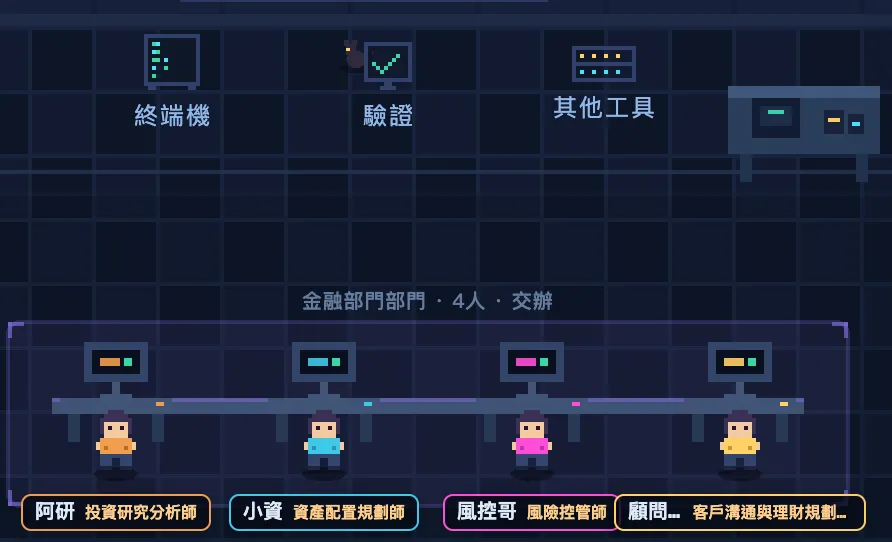
Create-department dialog: enter the department's purpose, headcount, and provider; AI drafts a list of complementary roles and personas for the user to pick a lead from
DEPARTMENTS — existing collaboration flow
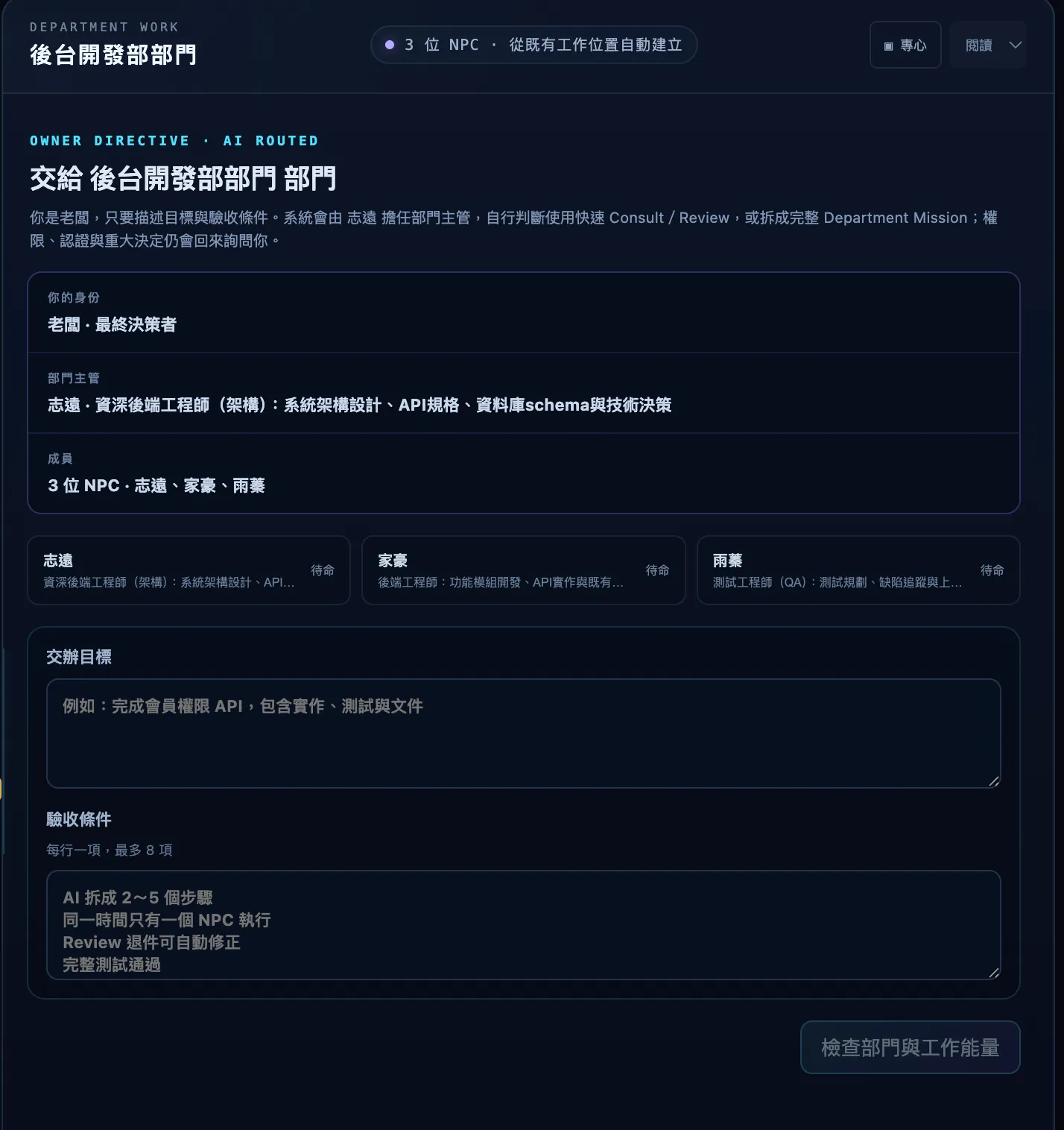
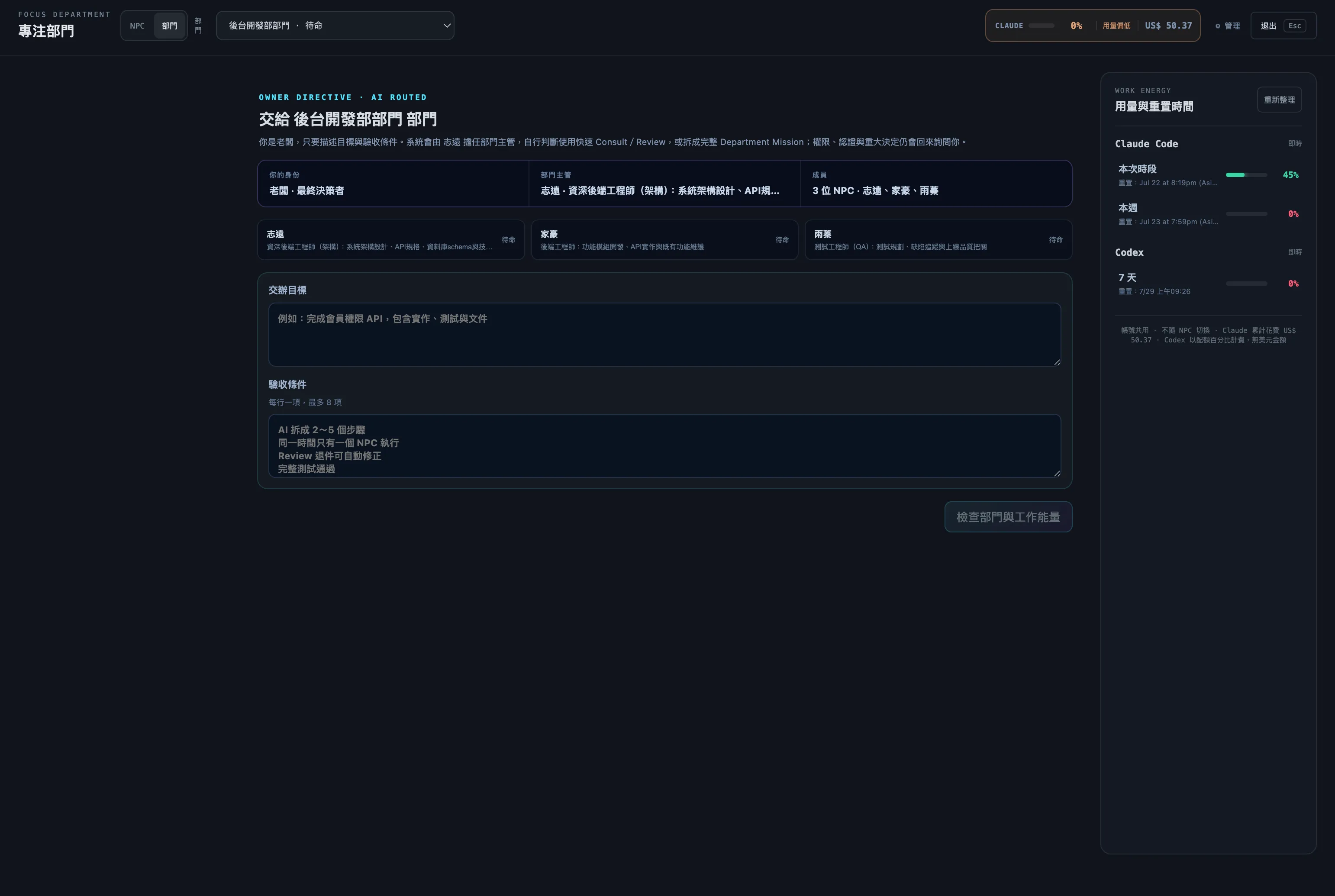
Hand-to-department dialog: enter a task goal and one acceptance criterion per line, then confirm to hand it to the department for the lead to route automatically
MISSION — existing task routing
A needs-attention state: a Mission has stopped because a review result was inconclusive, waiting for the user to decide the next step
NEEDS ATTENTION — only real blockers interrupt you
EARLIER RELEASES

Further back in the history.

View all releases ↗
v2.2.2

Windows microphone capture fix

Improved local Whisper microphone capture on Windows, including quieter speech; permission, missing-device, and in-use failures now explain their cause directly.

Full v2.2.2 release notes ↗
v2.1.1

More reliable mobile workspace and remote access

Focus Reader, remote access, workflow management, and supporting dialogs now fit phone-sized screens better and use touch-friendly controls. When the local remote relay cannot start, its settings screen now surfaces useful diagnostics.

Full v2.1.1 release notes ↗
v2.1.0

Account isolation, Focus workbench, and local voice input

Each NPC can now use its own Claude Code or Codex account, alongside /goal, up to four Focus Reader panes, and multi-agent execution boundaries that are previewed and enforced. The HUD reads usage per account; Boss Desk shows live department steps and can clear and reassign only its linked Missions and NPCs. Optional local voice input turns speech into an editable offline-capable draft after its one-time model download, and never sends a message automatically.

Full v2.1.0 release notes ↗
v2.0.1

Boss task log and cross-department orchestration arrive

Assign work directly from a persistent Boss Desk; the decision model builds a dependency graph across departments and returns one consolidated report. Also adds mid-session model switching, live MCP config sync, and clearer diagnostics when Claude/Codex login detection disagrees with reality.

Full v2.0.1 release notes ↗
v2.0.0

Department management and read-only collaboration arrive

You can now create a department directly and let its lead decide between Quick Consult, Quick Review, or a full 2-to-5-step Mission; failed reviews get up to two automatic correction rounds, and dangerous actions always wait for your approval.

v1.0.3

Management, backup, and focus workflows in one cockpit

From MCP connections and local backups to full focus-mode controls, v1.0.3 makes daily maintenance more complete and long sessions safer.

v1.0.2

Reading, input, and multi-NPC workflow upgrades

Added focus reading, full-window attachment drops, persisted session state, early Codex command discovery, and persistent NPC ordering.

v1.0.1

Self-contained Windows build

Added a portable Windows x64 ZIP with a verified bundled Node.js runtime and production dependencies, plus a stable latest-release download link.

v1.0.0

Pixel Crew's first public release

The multi-agent pixel office, native Claude/Codex integration, approvals, personas, cross-LLM handoffs, usage monitoring, task logs, and the Pixel Workshop all launched.