NPCs move to the right station while tasks, approvals, and department state stay visible in the office.
LIVE LOCAL WORKSPACEv2.5.0
Hand off the brief.Watch your AI crew ship it.
Turn Claude Code and Codex into teammates you can actually see. Assign one NPC, or give a department the goal and let it Consult, Review, and run the Mission. You only step in when an approval truly needs you.
- 0
- API KEYS
- 100%
- LOCAL DATA
- 2
- OFFICIAL CLIs

ASSIGNED → WALKING → WORKINGSee what every agent is doing
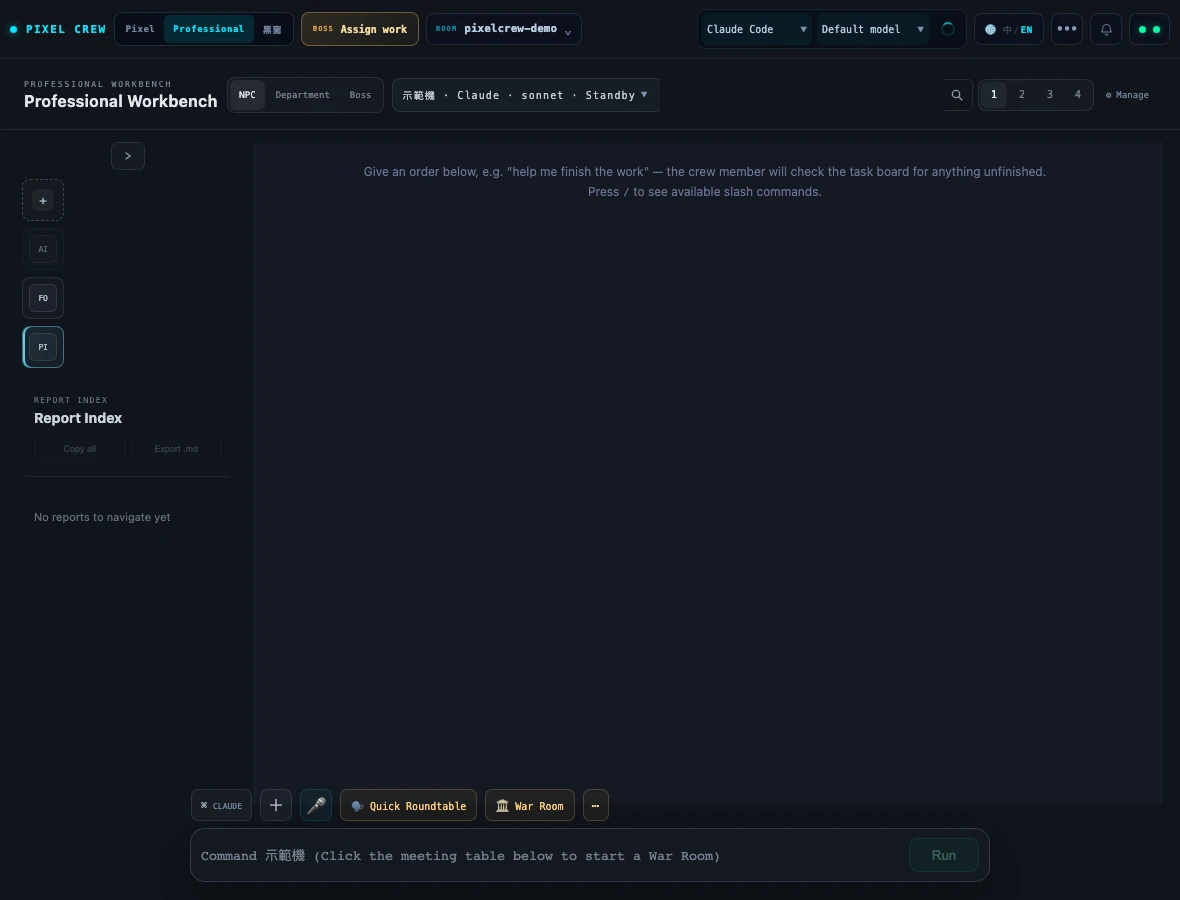
READ → COMPARE → CONTINUEA deep-reading workbench with up to four panes
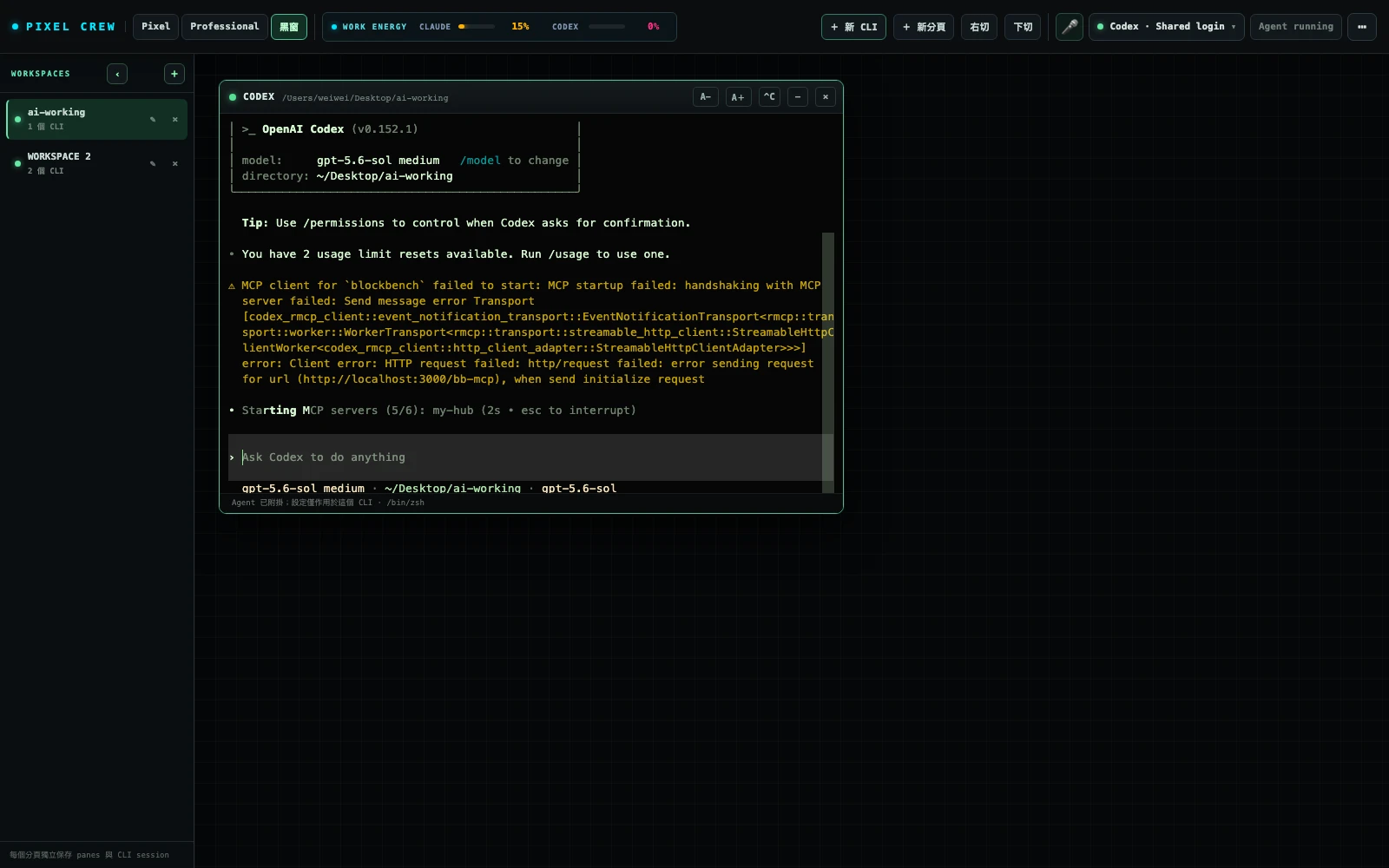
OPEN → ARRANGE → PERSISTThe real CLI, still in place after a reload
20CONCURRENT NPCS
3WORK VIEWS, INSTANTLY SWITCHED
MITOPEN SOURCE · CROSS-PLATFORM
LOCALTASKS AND MEMORY STAY ON YOUR MACHINE
LATEST RELEASE · THREE WAYS TO WORK
From a pixel office to the real CLI.
Watch the crew move in Pixel Mode. Switch to Professional when it is time to read and compare. When you want direct terminal control, arrange real Claude Code and Codex sessions inside the new Black Window.
v2.5.0
RELEASED 2026.09.23
Manage local workspaces as Studios, then read, search, and continue work across as many as four panes.
Workspaces, panes, and terminal identity survive navigation and reloads, with safe synchronization across browser tabs.
PROFESSIONAL — REPORT WORKBENCHFOCUS
BLACK WINDOW — PERSISTENT CLINEW
Daemon-backedLeave the view or reload without throwing away the terminal that is doing the work.
Conflict-safe syncVersioned layout writes merge concurrent browser-tab changes without orphaning a CLI.
Per-pane controlsChoose the account, model, auto-approve mode, and readable font size for each terminal.
Voice and shared memoryLocal speech becomes editable text; every agent can receive one shared local Markdown brief.
Four things worth knowing before you install it.
Departments route themselves
Two or more NPCs share one workspace; you just write a goal and acceptance criteria, and the lead decides who to consult, who reviews, or when to run a task chain.
No API key, because none is needed
Pixel Crew only orchestrates the official CLIs already installed and signed in on your machine; authentication, usage, and billing all stay in those tools.
Dangerous actions always wait for you
Even with full auto-approval on, commands like rm -rf still force a confirmation; a department never auto-commits, pushes, or releases either.
Switch brains without dropping the work
Running low on Codex, or is Claude better suited? Summarize the work first, then hand the NPC off to a fresh session on the other model.
From assigned to done, in three steps.
Assign it
Type a task for one NPC, or hand it straight to a whole department; the NPC walks to the matching workstation and gets to work.
It only interrupts you when it matters
It stops only to run a command, when a review is inconclusive, or when something's actually blocked — the approval bar floats right beside the character.
Read the full task log when it's done
The final reply renders as full Markdown; tool activity, duration, and sources are all in the log, searchable and copyable.